
Minecraft Mods vs Plugins: What's the Difference?
In the Minecraft ecosystem, the terms "mod" and "plugin" are often thrown around, sometimes interchangeably, but they refer to very different technologies with distinct capabilities and limitations. If you run a server or just play the game, understanding these differences is crucial.
This article explains what sets them apart and how Oraxen manages to blur the line by bringing mod-like features to standard servers.
Client-Side Only Mods
Client-side only mods are modifications installed directly on a player's computer. They modify the game's code (the .jar file) to change how the game looks or behaves for that specific player, without affecting others.
Examples:
- Optifine / Sodium: Improves performance and adds shader support.
- Minimap mods: Adds a map to the HUD.
- Inventory Tweaks: Helps organize chests and inventory.
Key Characteristic: These mods do not require the server to have the same mod installed. They affect your experience, not the server's logic.
Client & Server-Side Mods (Forge / Fabric)
When people talk about "modded servers" (like Feed The Beast or Tekkit), they are referring to mods that must be installed on both the client and the server. These add entirely new content to the game: new blocks, machines, dimensions, and mobs.
The Catch: For these to work, every single player must have the exact same mods installed as the server. If a player tries to join without the mods, they cannot connect. This creates a high barrier to entry for public servers.
Server-Side Only Mods (Plugins)
Plugins (for Spigot, Paper, or Purpur) are essentially server-side only mods. They run only on the server.
The Big Advantage: Players do not need to install anything. They just open vanilla Minecraft, type in the IP, and join. This makes plugins the standard for most public multiplayer servers (like Hypixel or generic SMPs).
The Traditional Limitation: Because the client is vanilla, plugins have historically been limited to using assets that already exist in the game.
- You can't add a "new" block; you have to pretend a stick is a magic wand.
- You can't add a "new" furniture item; you have to build it out of stairs and signs.
- You can't add new textures easily without replacing existing ones.
This is why the common wisdom has always been: "Plugins can change gameplay, but they can't add new items or blocks."
How Oraxen Breaks the Rules
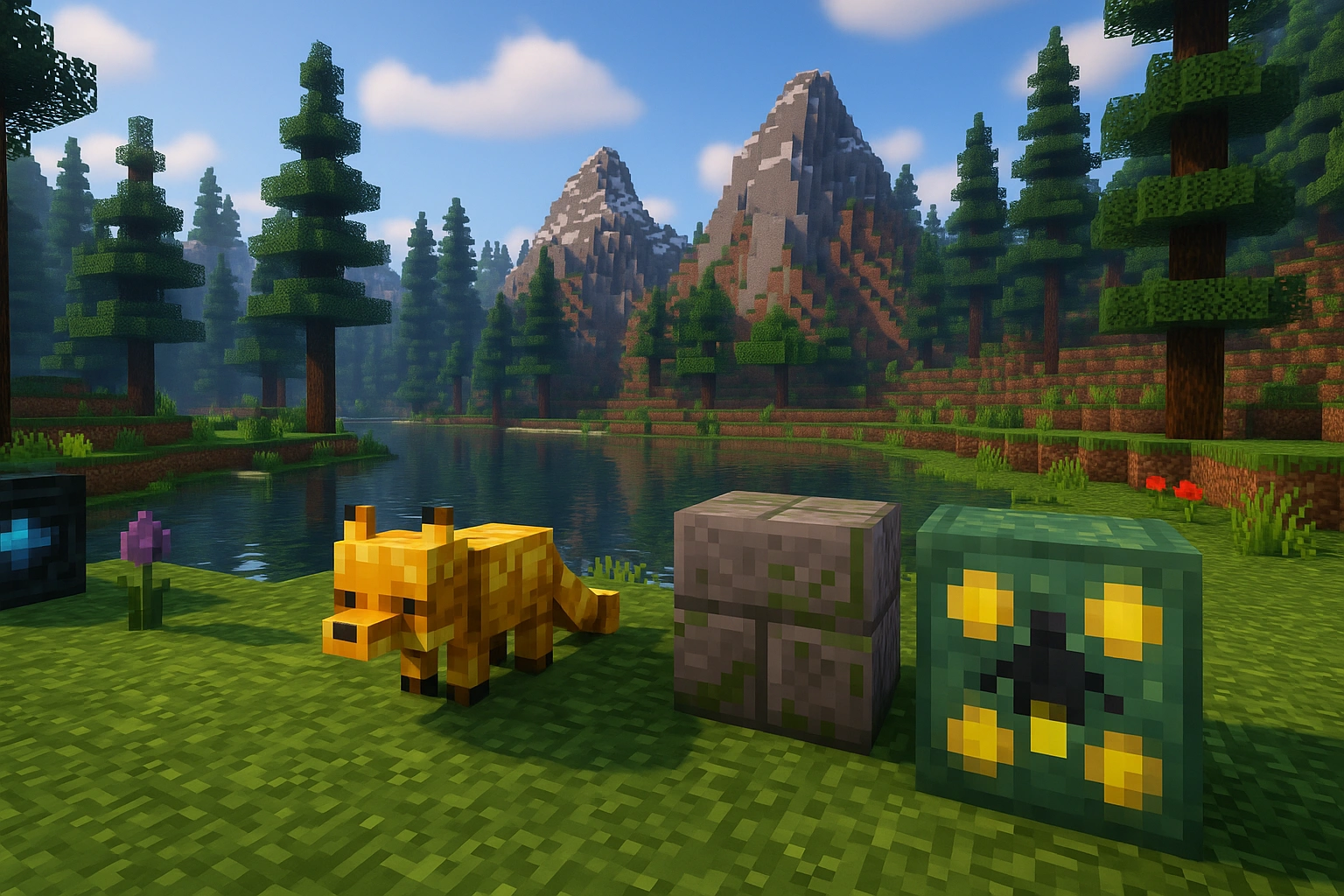
Oraxen is a Spigot plugin, so players can join with a standard vanilla client. However, it manages to bypass the traditional limitations of plugins to add hundreds of new items, blocks, armors, and furniture.
How is this possible?
Oraxen leverages advanced features built into modern Minecraft clients, specifically Resource Packs and Data Components, in a highly automated way.
- Custom Item Models: Oraxen uses the
CustomModelDatatag on items (like paper or horse armor) to tell the client to render a completely different 3D model. The item behaves like a unique object in the inventory. - Block Mechanics: To add custom blocks (like furniture or new ores), Oraxen uses specific mechanics (like Item Frames, Display Entities, or Note Blocks with custom block states) to render custom textures in the world while handling collision and interaction server-side.
- Glyphs and Fonts: It injects custom images into the game's font system, allowing for custom UI elements, emojis, and HUD overlays.
The Result
With Oraxen, you get the best of both worlds:
- Accessibility: Players join with a vanilla client. The resource pack downloads automatically.
- Content: You have custom ores, furniture, weapons, and hats that look and feel like a modded game.
Oraxen proves that the line between "plugin" and "mod" is becoming indistinguishable, offering a seamless experience for players without the headache of modpack installations.